YouTube Strategy
How to Turn One YouTube Video Into Content for Every Platform
YouTube is the hardest platform to create for, but it gives you the most leverage. Here is how to repurpose one YouTube video into content across every other platform.
By Crescivo Team • July 10, 2026 • 9 min read
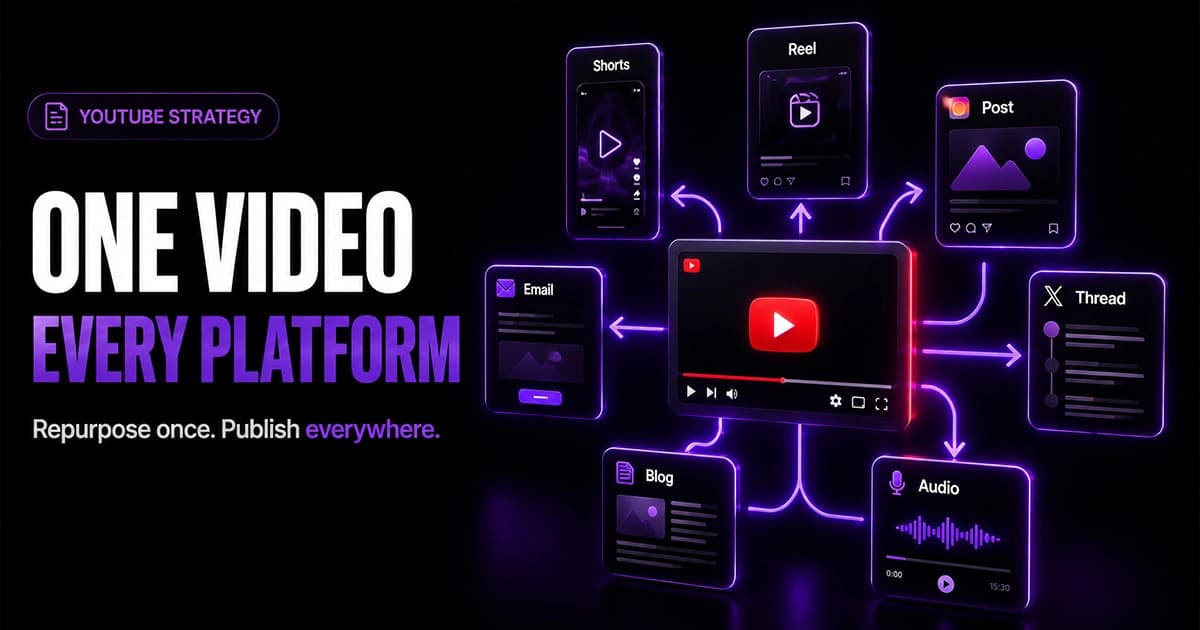
Table of contents
YouTube is one of the hardest platforms to create content on. Just posting on LinkedIn or Twitter takes minutes. Even TikTok or Instagram you can film on your phone and post within the hour. YouTube is different. You need a strong idea, a title and thumbnail that work together, a script or at least a clear structure, a recording, an edit, a review, and then you deal with the fact that early videos rarely perform well. It is a serious time investment.
But here is what makes it worth it. Once you have a YouTube video, you have everything you need to create content for every other platform. A single video can feed your social posts, newsletters, blog articles, short-form clips, and more, without you coming up with anything new from scratch.
Find Your Biggest YouTube Bottleneck
Most creators guess what to fix. Run the free Channel Bottleneck Calculator and discover the one metric holding back your growth.
Run Free AnalysisWhen to start repurposing
You have two options for when to kick off the repurposing process, and which one works depends on your workflow.
The most common approach is to wait until the video is fully complete. Once the final edit is done and the video is ready to upload, you have everything available to work from, including the full transcript, the B-roll footage, and the finished thumbnail.
If you write a full word-for-word script before recording, you can start earlier. The script alone contains enough to begin drafting social posts, newsletters, and short-form scripts, though you will not have the video assets yet for anything that needs images or clips.
Text-based content
Text is the easiest place to start and the fastest to produce. Once your video is done, pull the transcript and use it as the source for every written format you need.
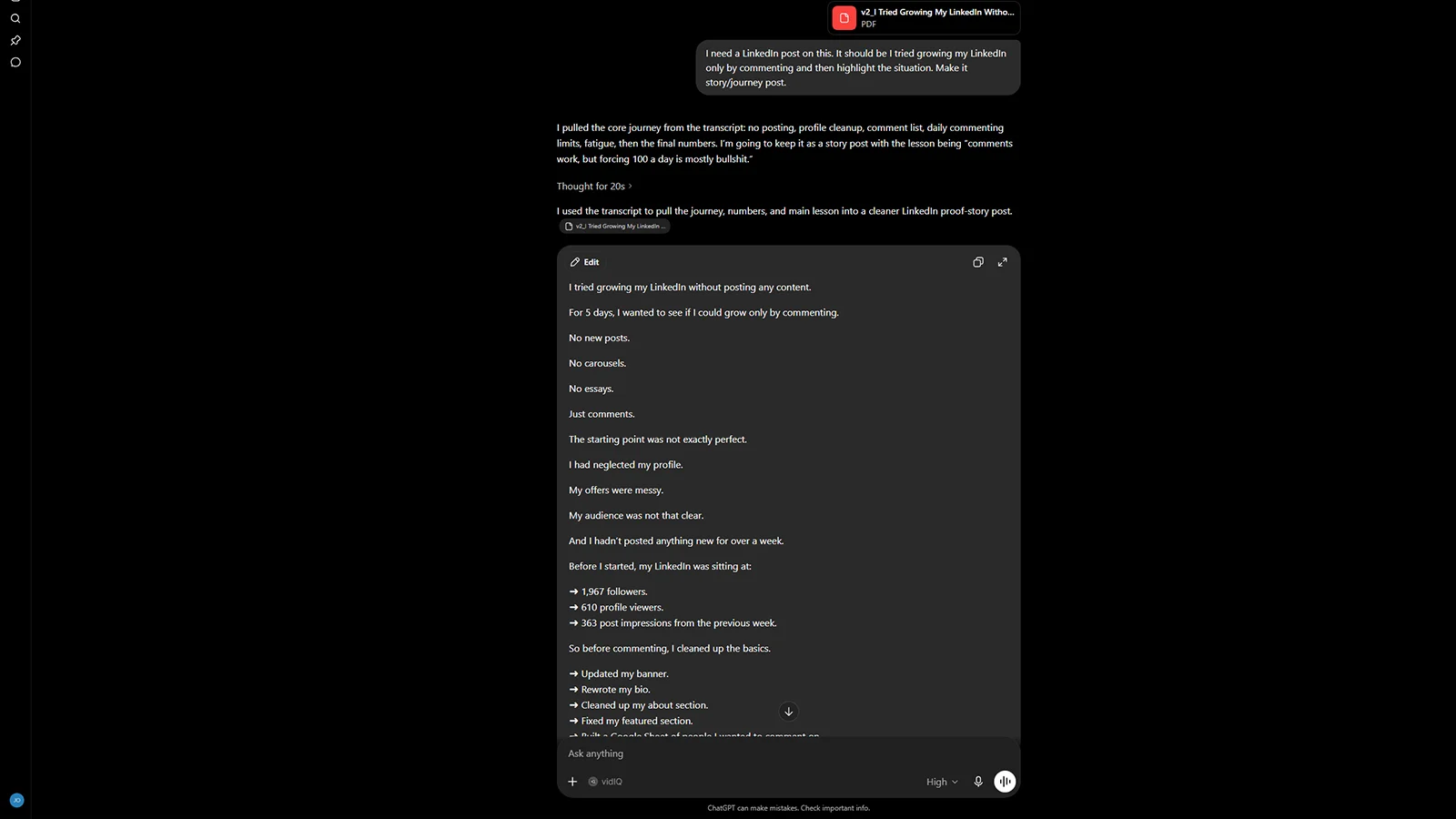
From a single transcript you can pull out:
- Social posts for LinkedIn, Twitter, Facebook, or wherever your audience spends time. Extract a lesson, a tip, a story, or a piece of social proof from the video and turn it into a standalone post. Each video will typically give you multiple post ideas, not just one.
- Newsletters built around the topics the video covers. You can often pull more than one newsletter from a longer video, and linking each one back to the original YouTube video gives you a clean way to drive traffic back to the channel.
- Blog articles that expand on the video content and link back to the source. Post these on your own site or on other platforms. This also gives YouTube and Google more context around the topic your video covers, which supports search visibility over time.
The time investment per piece is roughly five minutes if you are using AI to help with the initial draft, longer if you want to refine things further. Either way, the research and the thinking are already done because the video did that work.
Images
For any text content where an image would add value, you have two easy sources depending on your production setup.
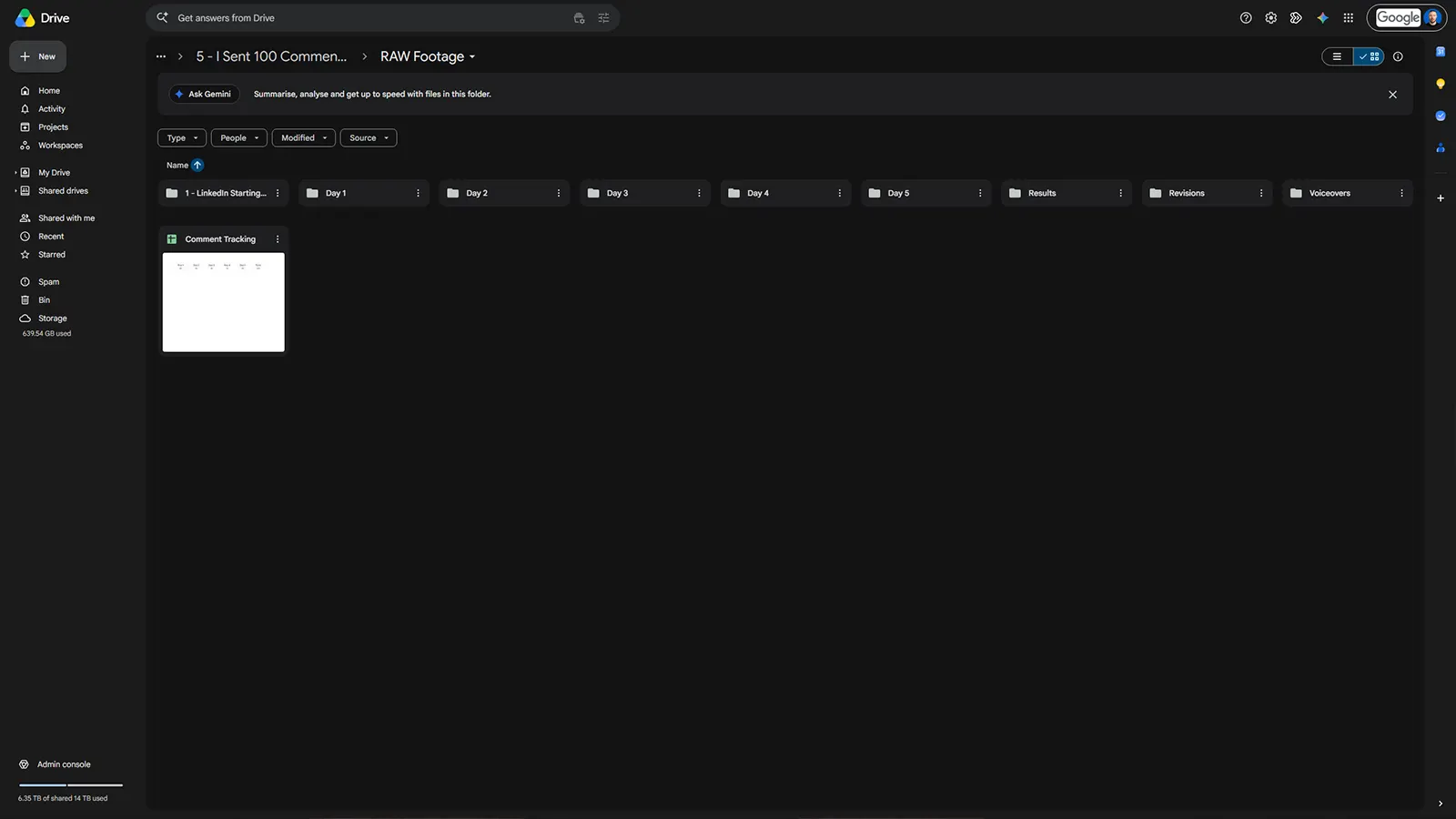
If you record B-roll or screen recordings as part of your video edit, those assets already exist. Before anything goes to the editor, take screenshots from that footage or export short clips. Those become the images for your posts, newsletters, and articles without any additional design work.
If you do not have B-roll, the video itself works just as well. A YouTube video is typically exported at 1920 by 1080, and most platforms accept that resolution for posts and articles. For platforms that prefer a square format, crop to 1080 by 1080 and position the important part of the frame in the centre.
Short-form video
Short-form video takes a bit more thought because the right approach depends on what type of content you are repurposing.
For podcasts
If the original content is a podcast or interview, tools like Opus Clips work well. Upload the video and it will automatically cut clips, add subtitles, and have them ready to post. This works for podcasts specifically because the format naturally creates good hooks: a host asks a question, the guest answers it, and the clip has a clear start and end. The context is built in.
For regular videos
For standard talking-head or tutorial videos, auto-clip tools produce awkward results because the content was not structured as a back-and-forth. The clip rarely makes sense without setup.
The approach that works better is to get the transcript from the completed video, feed it into AI, and use it to write new short-form scripts based on the topics the video covers. Then record those scripts as dedicated short-form pieces. It adds roughly ten to twenty percent more time on top of what you already spent, but those scripts are already built on content you have refined and recorded once, so the lifting is significantly lighter than writing them from nothing.
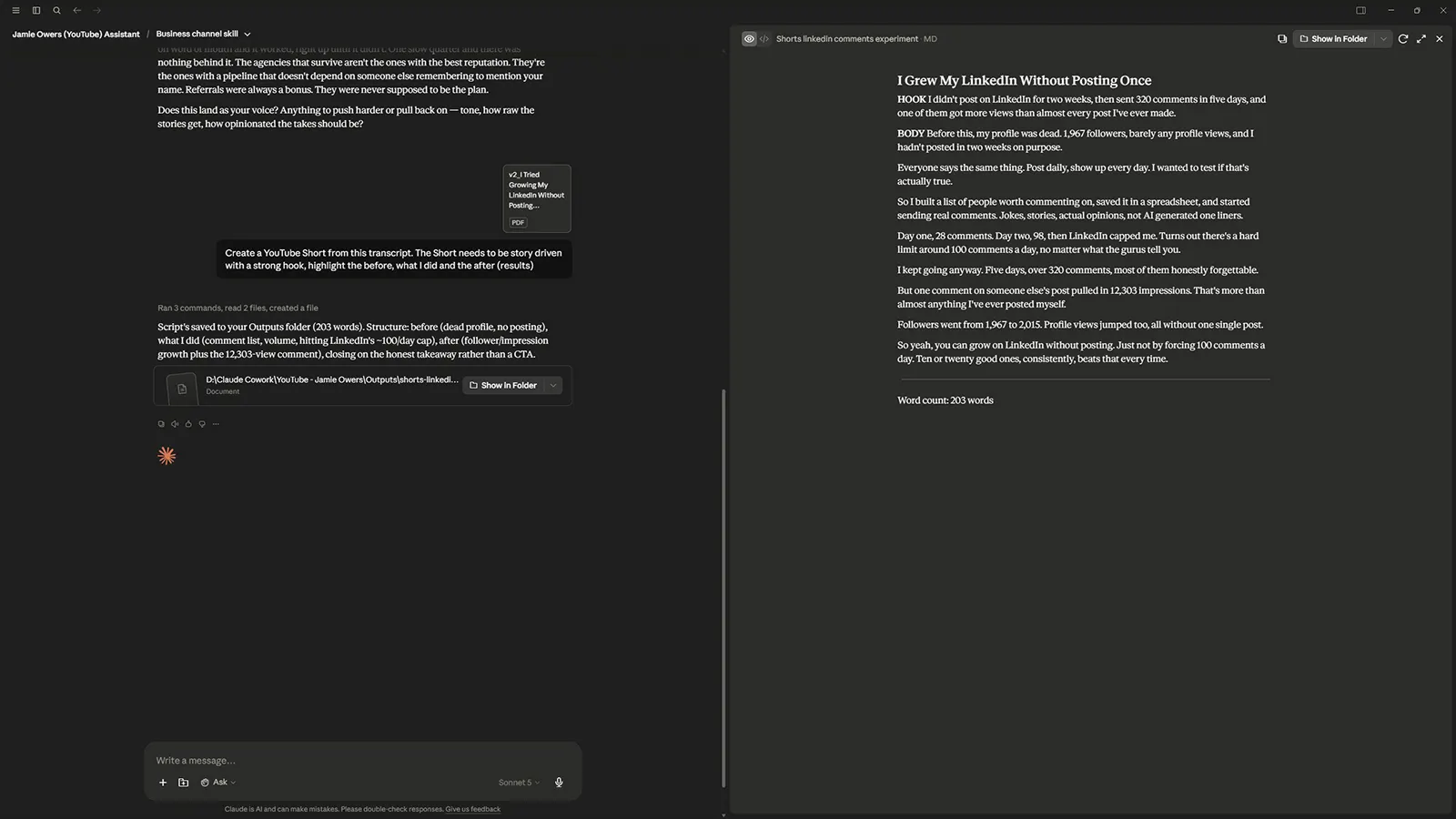
If you are at the script-writing stage and want to be more efficient, you can generate the short-form scripts from the main script before you record anything, then record the full video and all the short-form pieces in the same session. You will need more editing time, but you avoid going back to record separately later.
Highlight clips from long-form content
This is specific to podcasts and longer videos. If you have a one to two hour podcast, there will be sections that stand out as particularly strong, a sharp insight, a surprising story, a clear explanation of something complex. Those segments can be cut into standalone videos of five to fifteen minutes each.
These are not short-form clips. They are full dedicated videos with their own thumbnails, published separately because the topic or the moment is strong enough to carry on its own. You will see the biggest podcast channels doing this consistently. One recording session produces the main episode plus several standalone videos, each optimised and published independently.
The main additional work is creating a thumbnail for each clip, but that is a much smaller task than producing a unique video from scratch.
Thumbnails and design assets
If you design thumbnails in Photoshop or a similar tool, keep the source files. That PSD file or design template is reusable in ways that matter for repurposing.
You can resize the same design for different platform specs without rebuilding it. You can update the text to reference a specific topic from the video for a post or newsletter header. You can adjust colours or cropping for a square format. The visual identity stays consistent across platforms without you designing anything new.
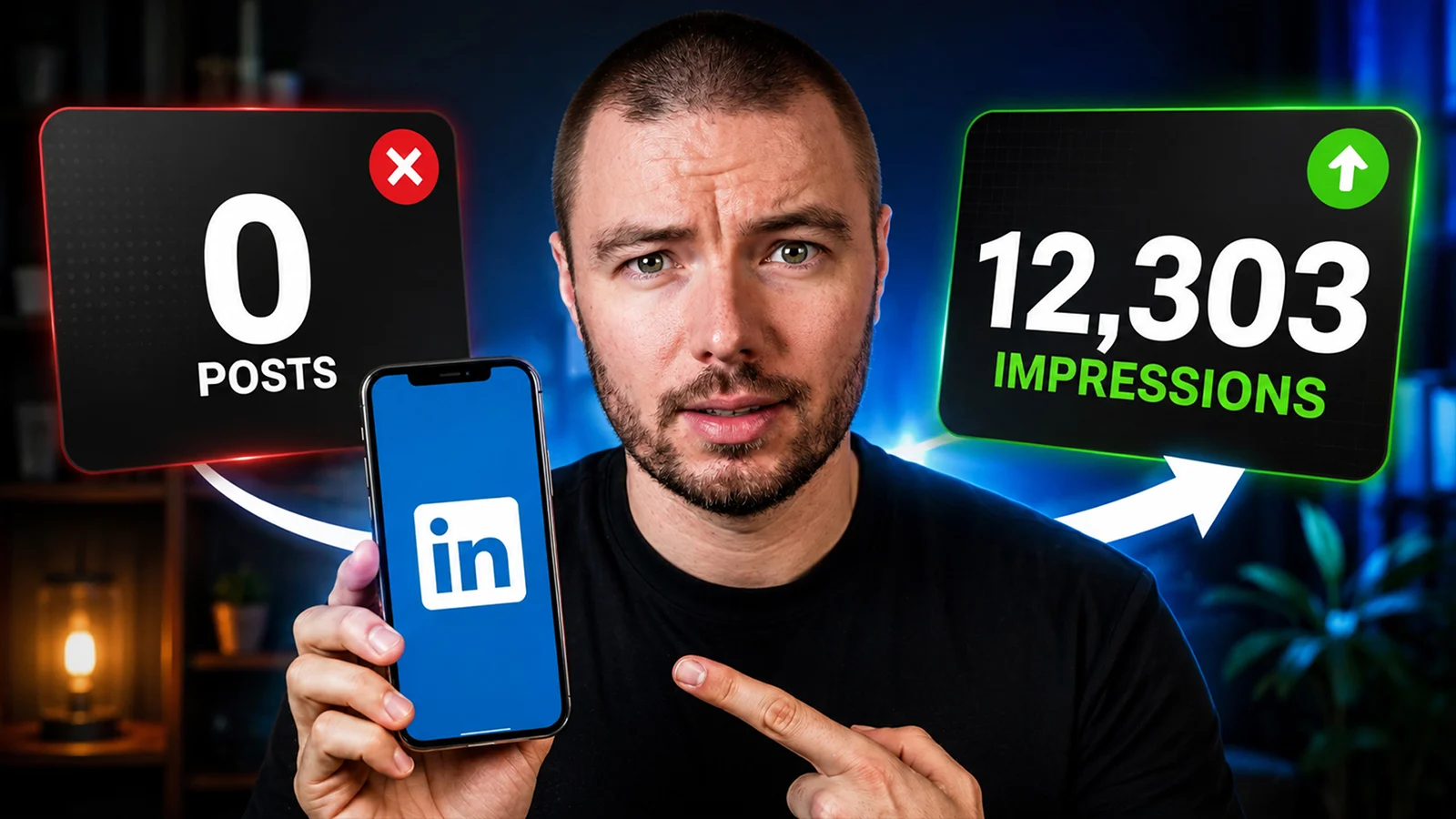
What one video gives you
When you put the full repurposing pipeline together, a single YouTube video produces:
- Multiple social posts across LinkedIn, Twitter, and Facebook
- One or more newsletters linking back to the video
- A blog article for search visibility
- Images pulled from B-roll or the video itself
- Short-form clips for YouTube Shorts, Instagram Reels, and TikTok
- Highlight videos from longer recordings
- Resized design assets for different platform formats
YouTube is the hardest platform to create for, but it gives you more to work with than any other. The time you spend on one video pays across every channel you publish on.
Build your repurposing system with Crescivo
Manage your YouTube production pipeline and repurposing workflow from one place, so nothing gets missed and nothing has to be created twice.
Get Started FreeFAQ
How do I repurpose YouTube content?+
Start with the transcript from your completed video. Use it to write social posts, newsletters, and blog articles. Pull images from B-roll footage or screenshot the video directly. For short-form video, use AI to write new scripts based on the transcript and record them as dedicated clips. Keep your thumbnail source files to resize and adapt for other platforms.
Can I repurpose YouTube videos into social media posts?+
Yes. Get the transcript from your video and extract lessons, tips, stories, or examples from it. Each one becomes a standalone post for LinkedIn, Twitter, Facebook, or wherever your audience is. A single ten-minute video will usually give you several post ideas, not just one.
Should I use Opus Clips to repurpose YouTube videos?+
Opus Clips works well for podcasts and interviews because the question-and-answer format creates natural hooks. For regular talking-head or tutorial videos, the clips often lack context and come across as awkward. For those, it is better to write new short-form scripts from the transcript and record them separately.
What size should images be when repurposing YouTube content?+
YouTube videos are typically 1920 by 1080, which most platforms accept for posts and articles. For platforms that prefer a square format, crop to 1080 by 1080 and keep the most important part of the frame in the centre.
When should I start repurposing a YouTube video?+
The most practical point is once the video is fully edited and ready to upload. If you write a full script before recording, you can start drafting social posts and short-form scripts from the script itself, though you will not have video assets until the edit is done.
How many pieces of content can I get from one YouTube video?+
It depends on the length and depth of the video, but a ten-minute video can reasonably produce several social posts, one or more newsletters, a blog article, multiple short-form clips, and design assets for different platforms. Longer recordings like podcasts can also produce several standalone highlight videos on top of that.
What to do next
Start with the transcript from your next completed video. Pull one lesson or insight from it and turn it into a social post. Once that feels easy, add newsletters and blog articles to the process. Build the system one layer at a time rather than trying to do everything at once.
Find Your Biggest YouTube Bottleneck
Most creators guess what to fix. Run the free Channel Bottleneck Calculator and discover the one metric holding back your growth.
Run Free AnalysisRelated Articles
More guides to help you diagnose and improve your YouTube growth.
YouTube Strategy
How to Batch Record YouTube Videos (And Stay Weeks Ahead)
Batch recording YouTube videos is not just about saving time. It is about removing the weekly grind. Here is the production system that keeps you consistently ahead.
YouTube Growth
How to Get Your First 100 YouTube Subscribers
Getting your first 100 YouTube subscribers puts you in the top 25% of all channels. Here is how to get there through search, discovery, and the right content strategy.
YouTube Strategy
YouTube for B2B: How Businesses Use the Platform to Generate Leads
B2B businesses do not need millions of views to get results from YouTube. Here is how the platform builds trust, drives leads, and keeps you top of mind with buyers.
Find Your Biggest YouTube Bottleneck
Most creators guess what to fix. Run the free Channel Bottleneck Calculator and discover the one metric holding back your growth.
Run Free Analysis